TL;DR
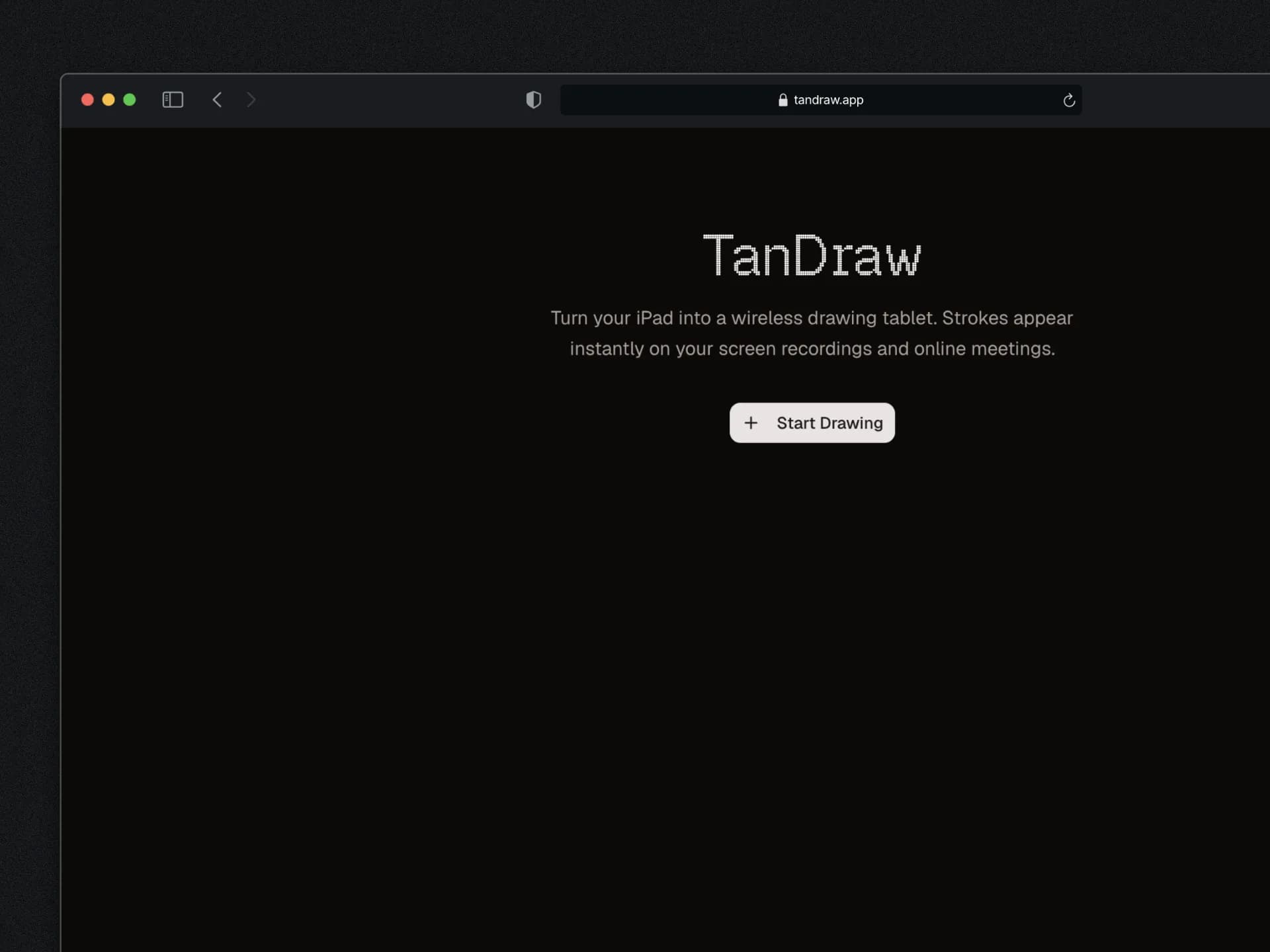
I needed to draw on my screen recordings using my iPad and Apple Pencil. Every existing solution was either a 15-step hack, a buggy native app, or mouse-only. So I built tandraw — a browser-based tool that syncs your iPad drawings to a transparent overlay in real-time. Open a URL, scan a QR code, draw. Three days from idea to live product.
Why I Built This
I was preparing to record my first YouTube video. Simple enough — screen recording, talking through some concepts, maybe drawing a diagram to explain things. The kind of thing you've seen a thousand times on YouTube where someone circles a UI element or sketches a quick flow while talking.
I have an iPad with an Apple Pencil. I figured I'd just... use it somehow. How hard could it be?
Turns out: unreasonably hard.
The "recommended" approach I found was a nightmare involving mirroring your iPad via AirPlay into OBS, opening Adobe Fresco with a green background, adding it as a source, chroma keying the green out, and praying the whole chain doesn't break mid-recording. Fifteen steps to draw a circle on a screen recording.
There were also native apps. Video Pencil costs $10, needs the NDI protocol, only works with OBS or Ecamm, and the reviews weren't inspiring confidence. Other tools like Screenity let you draw — with your mouse. Have you tried drawing a clean arrow with a trackpad? Exactly.
I closed every tab, opened my code editor, and thought: I can build this. It's a canvas on one side, a canvas on the other side, and WebSockets in between. The problem is clear, the scope is small, and I actually need this thing.
The honest motivation wasn't just solving my own problem — it was also the kind of project that fits perfectly in my portfolio. Real-time sync, canvas rendering, cross-device communication. It touches enough interesting technical areas to be worth talking about, while being small enough to actually ship.
What I Was Trying to Solve
The core use case is dead simple: you're recording your screen (tutorial, demo, lecture, whatever) and you want to annotate it live. Circle something. Draw an arrow. Sketch a quick diagram while you explain a concept. You want to use a stylus, not a mouse, because you're not a masochist.
The people who need this are everywhere — YouTube tutorial creators, teachers recording lectures, developer advocates doing product demos, streamers who want live annotations. OBS alone has 50M+ downloads. The subreddit has 300K members. This isn't a niche.
And nobody offers the obvious solution: open a URL on your iPad, draw with your Apple Pencil, see it appear on your recording. No app installs on either side. No local network restrictions. No configuration beyond scanning a QR code.
That's the gap. And it's the kind of gap where you look at it and think — why doesn't this exist yet?
How I Actually Built It
Day 1: The Foundation
I started with what I know. Next.js, Supabase, Tailwind, TypeScript — my usual stack. No new technology to learn, which was deliberate. The interesting part of this project isn't the framework choice, it's the real-time canvas sync problem.
The architecture is two views:
- Desktop overlay (
/s/[sessionId]) — a transparent HTML5 canvas that receives and renders strokes. You paste this URL as an OBS Browser Source, or share the Chrome tab in a meeting. Since the background is transparent, only the drawn strokes are visible, layered on top of whatever you're recording. - Drawing surface (
/draw/[sessionId]) — a touch-optimized canvas where you actually draw. Open this on your iPad (or any device), and strokes get captured and sent in real-time.
The bridge between them is Supabase Realtime. Each session gets a WebSocket channel. As you draw on the iPad, stroke data (points, pressure, color, width, tool) gets pushed through the channel and rendered on the desktop canvas.
I was genuinely worried about Supabase Realtime being too slow. The planning docs I wrote flagged latency as the number one risk. If you're drawing and there's a 500ms delay before seeing it on the other side, the tool is useless. I even had a fallback plan — a custom WebSocket server on a cheap VPS.
Turned out I didn't need it. Supabase Realtime performed excellently. The trick is sending stroke data incrementally — point by point as you draw, not waiting until the stroke is complete. This means the desktop side starts rendering the moment your Pencil touches the screen.
Session flow is minimal: visit tandraw, create a session, get a QR code. Scan it on your iPad. Start drawing. That's genuinely it. No accounts, no configuration, no install.
Day 1-2: Core Features
The MVP tool set was intentionally small:
- Pen — the default drawing tool with pressure sensitivity
- Highlighter — semi-transparent strokes for emphasis
- Eraser — remove specific strokes
- Color picker — preset colors plus custom
- Stroke width — three sizes
- Undo / Clear all — basic editing
- Auto-fade mode — strokes disappear after a few seconds (this is the killer feature for tutorials — draw, explain, it fades, draw the next thing)
- Laser pointer mode — a dot that follows your finger without leaving permanent marks
The Architecture
iPad (drawing view)
  → Apple Pencil stroke captured with pressure data
  → Points sent incrementally via Supabase Realtime channel
  → Desktop (overlay view) receives points
  → Renders on transparent HTML5 canvas
  → OBS captures as browser source (transparent bg)
  → Strokes appear live on the recording
The stroke data format is straightforward:
{
  "type": "stroke",
  "id": "stroke_uuid",
  "points": [[x, y, pressure], [x, y, pressure]],
  "color": "#FF3B30",
  "width": 4,
  "tool": "pen",
  "timestamp": 1710000000000,
  "fadeAfter": 3000
}
Each point includes x, y, and pressure. Pressure is what makes Apple Pencil drawings look natural — you get thicker lines when you press harder, thinner lines on light strokes. I used perfect-freehand for rendering, which handles pressure-to-width mapping beautifully.
For OBS integration, the desktop overlay page has background: transparent on the html and body. OBS browser sources respect transparent backgrounds by default, so drawn strokes just float on top of whatever other sources are in your scene. No chroma keying, no green screens, no nonsense.
Day 2-3: The Apple Pencil Problem
This is where things got interesting. And by interesting, I mean frustrating.
I'd gotten the basic sync working and everything looked great when drawing with my finger or mouse. Smooth lines, good performance. Then I picked up my Apple Pencil on the iPad, drew a few strokes, lifted the Pencil, and... visible cuts and gaps in the lines. The strokes had artifacts — like tiny sections were missing.
My first instinct was wrong. I assumed it was a Supabase Realtime issue — maybe packets were dropping, or the WebSocket was hiccupping. So I spent time looking at the transport layer, checking for missed messages, adding logging.
Not the problem.
I tried testing locally — iPad as a second screen connected to my MacBook — to eliminate the network entirely. The artifacts still appeared. So it wasn't the transport.
The debugging process was methodical elimination:
Supabase Realtime latency— ruled out (artifacts appeared in local rendering too)Network issues— ruled out (reproduced on local connection)General canvas rendering— ruled out (finger drawing was fine)- Apple Pencil + stroke completion — bingo
The root cause was stroke post-processing. When a stroke ends (you lift the Pencil), the app was running a Ramer-Douglas-Peucker simplification algorithm on the points. This is a standard technique — it reduces the number of points in a path while preserving the overall shape. Works great for finger and mouse input.
But Apple Pencil data is different. It's high-fidelity with pressure variation at every point. The simplification algorithm was removing points that it deemed "unnecessary" for the path shape — but those points carried pressure data that mattered. Combined with pressure-based line thinning in the renderer, removing those intermediate points created visible artifacts. The pressure would jump from "normal" to "light" across a gap where the simplified points didn't capture the transition.
The fix had four parts:
1. Simplified the input pipeline. I removed the pressure EMA smoothing and predicted event rendering paths. These were adding smoothing layers that interacted badly with each other. Sometimes the simplest path — capturing coalesced points directly with a pressure floor — produces better results than stacking processing stages.
2. Tuned perfect-freehand options. I switched to default-like stroke behavior: smoothing: 0.5, streamline: 0.5, linear easing, no end taper. The taper removal was important — it was causing thin, whispy stroke endings that looked broken.
3. Made completion logic Pencil-aware. This was the key change. I persisted the pointerType from stroke_start into the stored stroke object, then skipped the Ramer-Douglas-Peucker simplification entirely for pointerType === "pen". Kept it for touch and mouse (where it helps performance without visual artifacts).
4. Reduced pen thinning. Lowered thinning from 0.5 to 0.2 for Pencil input specifically. This makes pressure transitions less dramatic, so even if there are small pressure jumps between points, they don't appear as cuts in the rendered stroke.
The fix took about two days total, but most of that was the systematic elimination process. The actual code changes were relatively small once I understood what was happening. This is one of those bugs where the diagnosis is 90% of the work.
The lesson: Apple Pencil and finger/mouse input are fundamentally different beasts. Treating them identically in your processing pipeline will eventually bite you.
What I Learned & Would Do Differently
Supabase Realtime is legit for this use case. I came in expecting to need a fallback custom WebSocket server. I didn't. For incremental point-by-point streaming, it handled the load without noticeable latency. If you're building something where real-time sync matters but you're not building a multiplayer FPS game, Supabase Realtime is probably fine.
Don't over-process Pencil input. My instinct was to add smoothing, prediction, simplification — layers of "improvement" on the raw input. For Apple Pencil specifically, the raw data is already excellent. The best thing you can do is get out of its way. Process less, preserve more.
Scope control matters more than feature count. The original idea was broader — a full browser-based screen recorder with drawing capabilities. I killed that during planning because the screen recording market is saturated (Screenity, Tella, Loom, and ten more). Narrowing to just the cross-device drawing overlay gave me something I could ship in three days and that nobody else offers cleanly.
If I did it again, I'd skip the smoothing pipeline entirely for Pencil input from the start instead of building it and then tearing it down. I'd also spend day one doing the Pencil test, not day two. Testing with the actual target input device should be step one, not step three.
Where It Stands Now
tandraw is live at tandraw.app. Shipped, tested, working. You can go create a session right now, scan the QR on your iPad, and start drawing.
I haven't used it yet for my own YouTube recordings — that's still coming. But the tool works, and I built it because nobody else had built the obvious solution. Right now I'm focused on getting it into my portfolio, getting some traffic and SEO value flowing, and letting it prove itself.
The longer-term plan depends on whether other people actually use it. The product has a viral mechanic built in — a small "Drawn with tandraw" watermark on the free tier overlay. If tutorial creators start using it, their audience sees the watermark. Same playbook as early Loom and Bandicam. If that starts driving traffic and I see real retention, I'll add a Pro tier ($8/month) with features like shape tools, text annotations, watermark removal, and drawing replay export.
But that's a "wait and see" situation. For now, it does one thing well: lets you draw on your screen recordings from your iPad, with zero friction.
The Stack & Code
| Layer | Tool |
|---|---|
| Framework | Next.js (App Router) |
| Real-time sync | Supabase Realtime |
| Canvas rendering | HTML5 Canvas + perfect-freehand |
| Database | Supabase (PostgreSQL) |
| Styling | Tailwind CSS + shadcn/ui |
| Hosting | Vercel |
| Language | TypeScript |
Live: tandraw.app
Constraints & Tradeoffs
No user accounts in v1. Sessions are anonymous and ephemeral. This keeps the onboarding to literally three seconds (create session → scan QR → draw), which matters more for adoption than any feature I could hide behind a login wall.
OBS-first, not everyone-first. The transparent overlay approach means you need a tool that supports browser sources (OBS, Streamlabs) or Chrome tab sharing. Non-OBS users who just want to annotate a QuickTime recording are out of luck in v1. A built-in minimal recorder is a v2 thing — but shipping for OBS users first gave me a clear, reachable audience instead of trying to be everything for everyone.
WebSocket over WebRTC. WebRTC would give lower latency with peer-to-peer connections, but it's significantly more complex to implement and debug. Supabase Realtime over WebSocket is simpler, works over any network (not just local), and the ~50-100ms latency is perfectly acceptable for drawing annotation. You're not playing a rhythm game — you're circling a button in a tutorial.
No shapes or text in v1. I wanted to ship, not scope-creep. Freehand drawing, highlighter, and eraser cover 80% of annotation needs. Arrows and rectangles would be nice, but they didn't earn their place in a three-day MVP.